Building Scalable Backend APIs with NestJS: Architecture, Patterns & Production Best Practices
If you've been building Node.js backends with Express, you've probably felt the friction: no enforced structure, no dependency injection, no validation pipeline out of the box. Every project looks different. NestJS solves all of that — and it's why I use it for every serious backend project I build.
In this guide, I'll walk you through the architecture patterns and key decisions that make a NestJS backend production-ready.
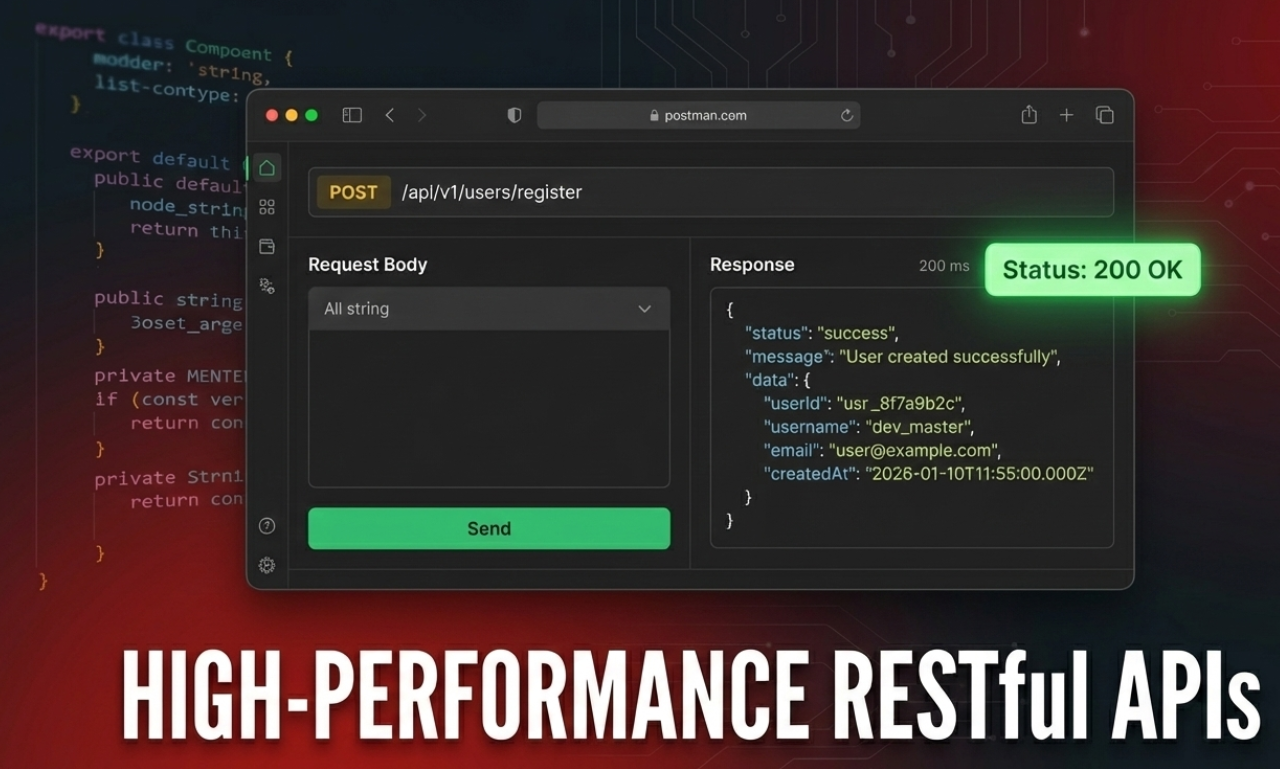
Scalable Architecture Design
The most important decision in any NestJS project is how you split your modules and design your system. A typical architecture involves a Gateway/Server layer feeding into specialized services: databases, caching (Redis), and external APIs.
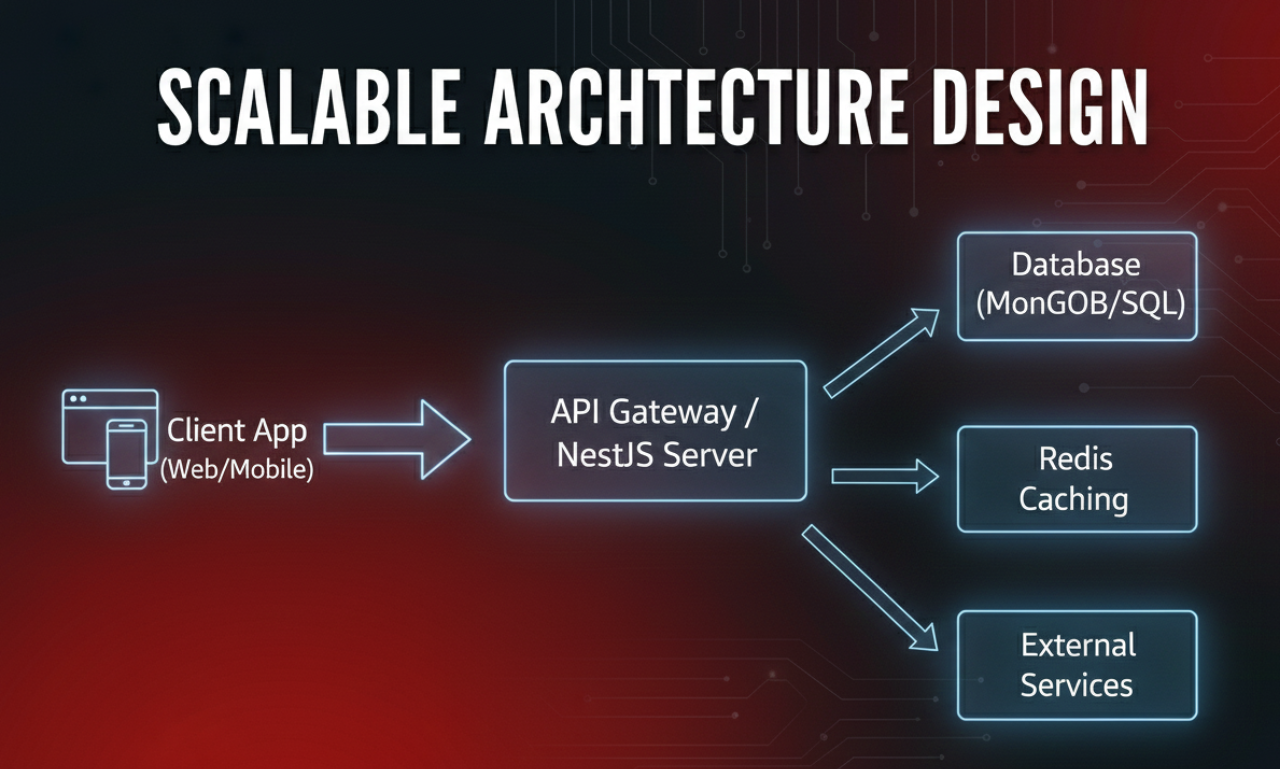
Each module owns its controller, service, and data layer — and only exposes what other modules need. This separation keeps your codebase navigable even as it grows.
The Full Backend Stack
A modern scalable backend isn't just Node.js. It requires a robust ecosystem of databases, DevOps tools, and cloud deployment pipelines.
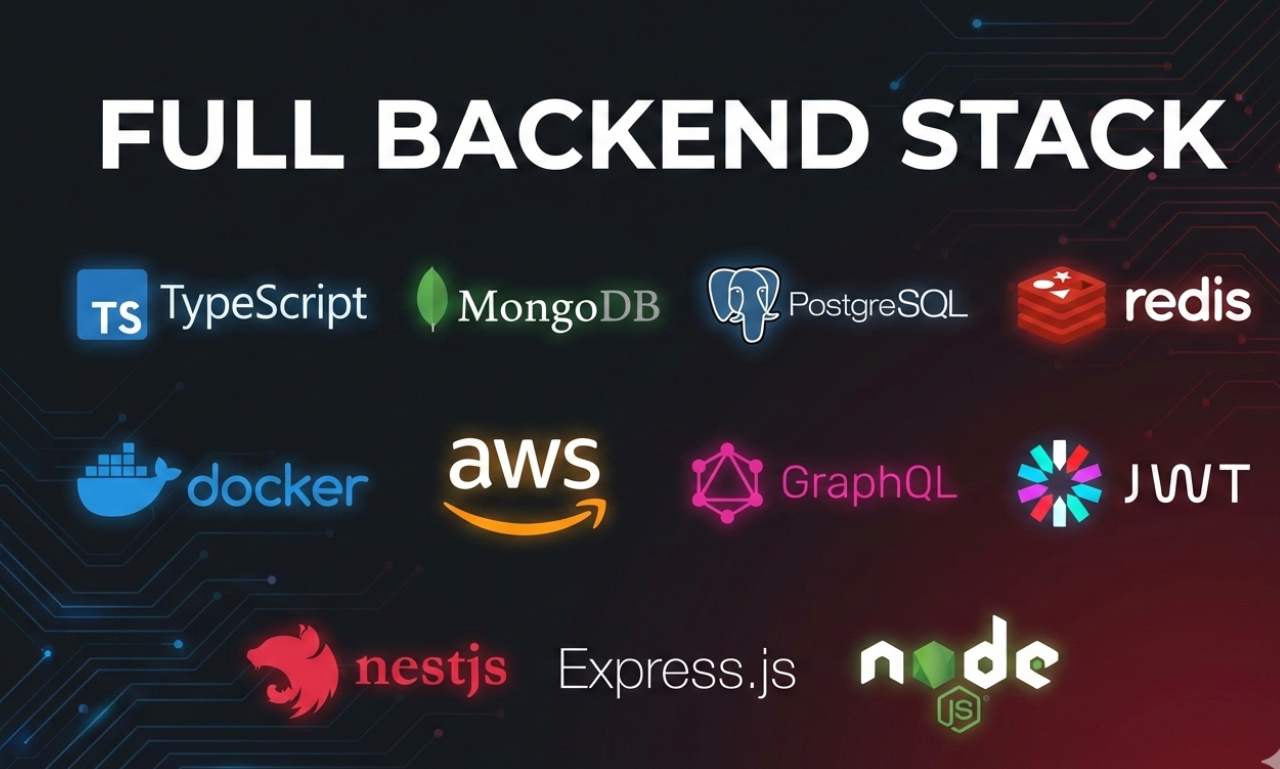
Whether you're using MongoDB, PostgreSQL, or integrating Redis for caching, NestJS provides built-in modules to integrate these seamlessly via Dependency Injection.
JWT Authentication with Guards
NestJS makes JWT auth clean through Guards and Passport strategies. The JwtAuthGuard pattern allows you to mark routes as public or protected with a simple @Public() decorator.
Apply it globally in your main module, then use the decorator on any route you want to bypass auth. Clean, consistent, and readable.
API Documentation with Swagger
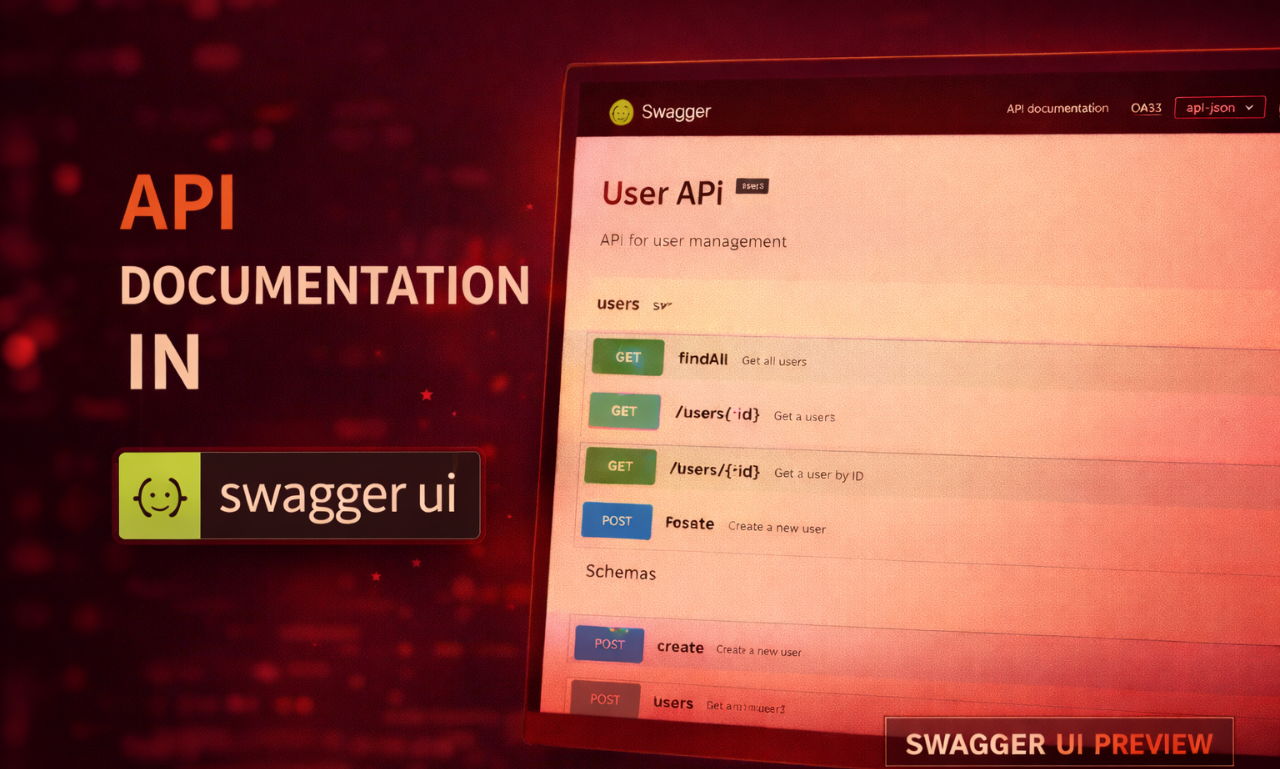
One of NestJS's best features is automatic Swagger docs from your existing DTO and Controller decorators. Add @nestjs/swagger, decorate your DTOs, and your API is self-documented.
Your clients and teammates can explore and test the API directly from the browser without reading your source code. This is an absolute requirement for any professional backend.
Docker: Production-Ready from Day One
Containerizing your NestJS app is straightforward. Use Docker multi-stage builds to keep the final image clean, dropping dev dependencies and TypeScript compilers so your production image stays incredibly small and deploys stay fast.
Key Takeaways
After delivering multiple production backends with NestJS:
- Module boundaries are your biggest architectural investment — get them right early
- Always use the repository pattern — direct ORM usage in services is painful to test
- Global ValidationPipe, ExceptionFilter, and LoggingInterceptor are non-negotiable
- Rate-limit auth endpoints from day one — not after your first incident
- Docker multi-stage builds in development — so production is never a surprise
NestJS changed how I think about backend architecture. If you're building anything serious — whether as a freelancer or inside a team — it's worth learning deeply.
I'm Ananta Sharma, a backend developer from Pokhara, Nepal. I build production-grade APIs and full-stack applications for clients worldwide. Available for backend projects on Upwork and Fiverr. Connect on GitHub or LinkedIn.